
I burned through $340 and two weekends before my first batch of business cards looked halfway professional. Was it the machine’s fault? Honestly, mostly mine.
Quick answer
A business card maker machine is a compact printer (often paired with a cutter) that lets you design and print business cards at home or in-office. Entry-level models run $80–$400, produce 50–200 cards per session, and pay for themselves within 3–4 print runs if you’re currently outsourcing to a print shop.
I bought my first business card maker machine two years ago after getting quoted $95 for 250 cards from a local print shop—for a design I’d have to tweak three more times before launch. That felt insane. So I went down the rabbit hole of home printing, and what I found surprised me. Some machines are genuinely worth it. Others are glorified paper shredders in reverse. This isn’t a spec sheet regurgitation—it’s what actually happened when I plugged these things in and tried to make something I wasn’t embarrassed to hand out.
A Business Card Maker Machine Isn’t Just a Printer—It’s a Whole Workflow
Most people assume you just print and cut. That’s not how it works, at least not if you want clean edges.
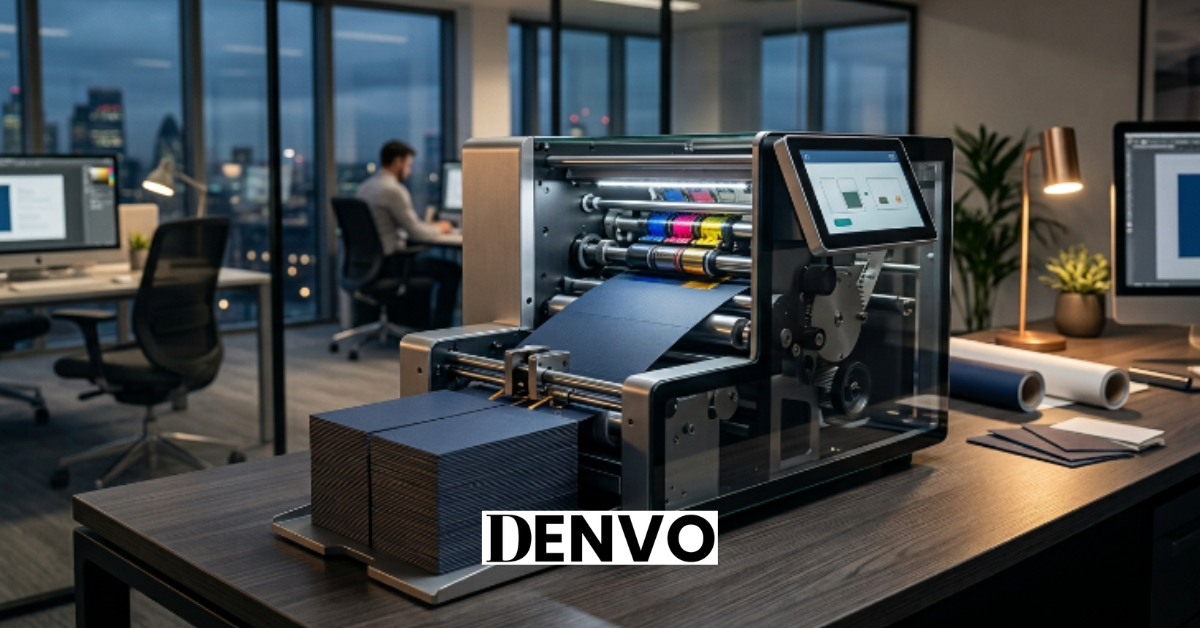
A real business card maker machine setup usually includes three parts: the printer itself (inkjet or laser), a cutting tool (guillotine cutter, rotary trimmer, or an automated card cutter), and design software, either bundled or third-party. Skip any one of these and your cards look like they came from a middle school project. My first attempt used a regular home printer and kitchen scissors. I don’t recommend it—my “professional” cards had visibly wavy edges you could feel with your thumb.
The machines marketed specifically as “business card makers” (like the Canon Selphy CP series adapted with card templates, or dedicated units like the Brother VC-500W) bundle the cutting mechanism right into the device. That’s the difference between a two-hour project and a twenty-minute one.
Home Printing Beats Print Shops More Often Than You’d Think
Here’s the contrarian bit: everyone assumes bulk print shops are always cheaper. They’re not, not for small or frequently-changing runs.
If you need 5,000 identical cards once a year, sure, a shop wins on per-unit cost. But if you’re a freelancer who updates your title, phone number, or portfolio link every few months (I’ve changed mine four times in eighteen months), a business card maker machine wins on flexibility alone. I stopped ordering 500-card batches I’d never finish and started printing 25 at a time, updated for whatever gig I was chasing that month.
The math actually works out like this:
- Print shop, 250 cards: $60–$110, 3–7 day turnaround
- Home machine, 250 cards (ink/toner + cardstock): $18–$35, same-day
- Break-even point: roughly 2–3 print runs before the machine pays for itself
That last number is the one nobody tells you. Everyone talks about the upfront machine cost and ignores how fast it disappears once you factor in reprint frequency.
Not All Cardstock Behaves the Same in These Machines
This one tripped me up badly. I assumed cardstock was cardstock. It’s not, and the wrong choice will jam your machine or bleed your ink.
Inkjet-based business card maker machines need coated cardstock, usually 200–300 GSM, designed to absorb ink without smearing. I once fed a laser-only stock through my inkjet unit and ended up with colors that looked like they’d been left out in the rain. Laser machines, on the other hand, need stock rated for heat—cheap coated paper can literally melt or warp inside a laser feeder.
A few things I now check before buying cardstock in bulk:
- GSM weight (250–300 for a sturdy, professional feel)
- Whether it’s rated for inkjet or laser specifically
- Finish type—matte hides fingerprints better, glossy pops colors more
- Pre-scored perforated sheets if your machine doesn’t cut automatically
Get this wrong once and you’ll understand why I now buy sample packs before committing to a full ream.
Design Software Matters More Than the Machine Specs
People obsess over print resolution. I did too, at first. But the design software bundled with (or compatible with) your machine has a bigger impact on the final look than another 100 DPI ever will.
Some machines, like the Brother VC-500W, come with proprietary design apps that are fine for quick templates but frustratingly rigid if you want custom fonts or logo placement. Others are basically dumb printers that accept any PDF you throw at them, which means you’re free to design in Canva, Adobe Express, or even Google Slides and just export at print resolution (300 DPI minimum, always).
My second attempt at cards—after the scissors disaster—used a $250 machine with locked-in templates. Every card in my niche looked identical because everyone using that same software picked the same three layouts. Lesson learned: a business card maker machine with open PDF printing gives you way more creative room than one that locks you into its own design suite.
Setting Up Your Business Card Maker Machine the Right Way
Here’s the practical part—what I’d actually tell a friend buying their first one.
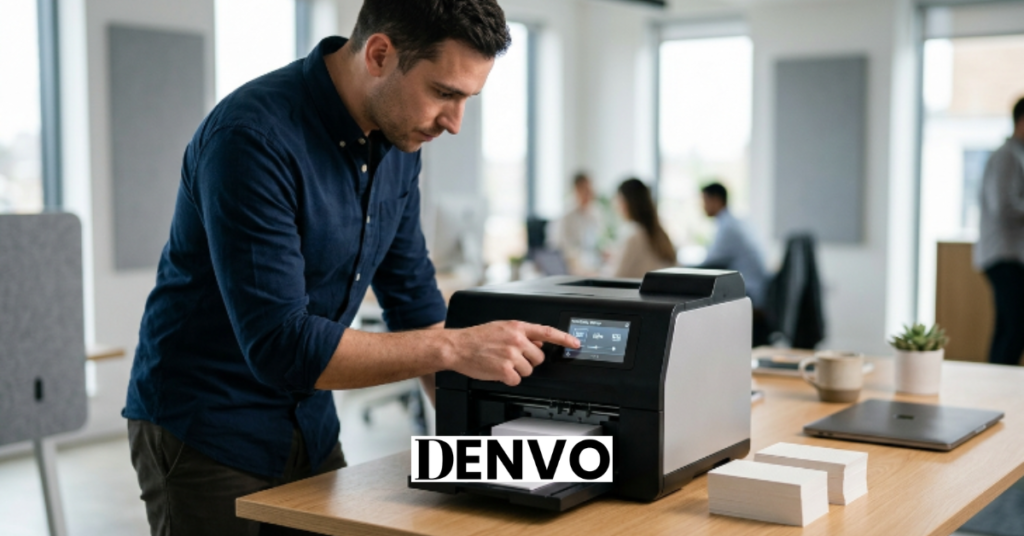
Start with the design file, not the machine. Get your card designed and exported as a print-ready PDF (300 DPI, CMYK color mode, with bleed marks if your machine supports them) before you even unbox anything. This alone would’ve saved me a full afternoon.
Next, run one test sheet on cheap plain paper first. Don’t waste your good cardstock on alignment tests—I wasted six sheets of premium stock finding out my margins were off by 2mm. Then load your actual cardstock and print a small batch, maybe 10 cards, before committing to a full run of 100+.
Finally, cut with patience. If your machine has an auto-cutter, let it finish its full cycle without pulling cards out early (I know, it’s tempting). If you’re cutting manually, a rotary trimmer beats scissors every single time—cleaner lines, less hand fatigue, and honestly it just feels more satisfying.
Is a Business Card Maker Machine Actually Worth It for a Small Business?
This is the question that started my whole search, so let’s actually answer it instead of dancing around it.
If you print fewer than 500 cards a year and change your design more than once annually, yes—a business card maker machine pays for itself fast and gives you control shops can’t match. If you’re ordering thousands of identical cards for a stable brand that never changes, a professional print shop still wins on cost-per-unit and finish quality (foil stamping and embossing aren’t realistic on home machines yet).
I’ve talked to three other freelancers who bought machines after I recommended it, and two of them still use theirs weekly. The third went back to a print shop because she wanted spot-UV finishing her machine simply couldn’t do. Worth noting: your use case decides this more than any spec sheet will.
FAQs
How much does a business card maker machine cost?
Entry-level machines start around $80–$150, while more advanced models with automated cutting run $300–$500. Ink or toner and cardstock are ongoing costs, typically adding $0.10–$0.20 per card depending on quality.
Can a business card maker machine print double-sided cards?
Most modern models handle double-sided printing, either through manual flip-and-reload or automatic duplex printing. Check the spec sheet before buying, since not all budget models support duplex without manual intervention.
Is it cheaper to use a business card maker machine than a print shop?
For small, frequently updated batches, yes—home machines usually save 60–70% per card compared to shop pricing once you factor in the machine’s upfront cost across multiple print runs. For large, unchanging orders of 1,000+, print shops often still win on price.
What’s the biggest mistake people make with these machines?
Skipping test prints on cheap paper before running full cardstock batches. It’s the single most common (and avoidable) way people waste money and get frustrated early on.
Do I need design skills to use a business card maker machine?
Not really. Most machines come with basic templates, and free tools like Canva let you design a professional-looking card in under 30 minutes even with zero design background.
Conclusion
A business card maker machine isn’t magic, and it’s not for everyone—but if you’re tired of paying for print runs you’ll only use half of, it’s a genuinely smart move. Test your design on scrap paper first, buy the right cardstock, and don’t lock yourself into rigid template software. Get those three things right and you’ll skip most of the mistakes I made.
Have you tried making your own business cards at home? I’d love to hear which machine or cardstock actually worked for you—drop a comment below.